If you have fiber broadband, there is a good chance a PON delivers it — and you may have seen “PON” on your router or ONT without knowing what it means. This guide explains what a PON network is, how it works, what “PON” on a router means, the newer XGS-PON standard, and where the technology is heading.
What Is a PON Network?
PON stands for Passive Optical Network. It is a fiber-based access technology that delivers internet, voice, and video from a service provider to many subscribers over a shared fiber, using a point-to-multipoint design. The word “passive” is the key: the distribution network between the provider and the subscriber contains no powered equipment. Unpowered optical splitters divide the signal purely by optical means, so a single fiber from the provider can be fanned out to many homes without electronics in between.
This is what makes PON efficient. Compared with an active network that needs a dedicated router/switch port and fiber per subscriber, a PON uses fewer ports, less fiber, and unpowered splitters — lowering cost and maintenance because there is no active gear to power or service in the field.
The Three Parts of a PON
Every PON is built from three elements:
- OLT (Optical Line Terminal): the aggregation device at the provider’s central office. It connects to the core network and converts Ethernet traffic into PON traffic, coordinating all the subscribers on the fiber.
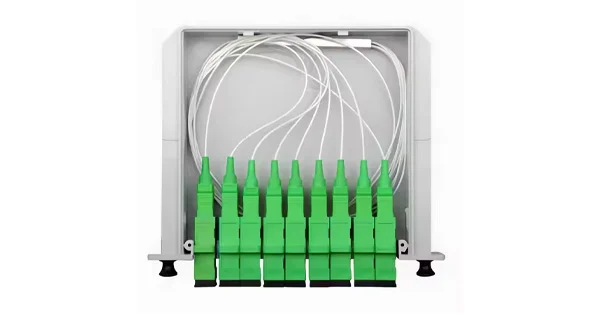
- ODN (Optical Distribution Network): the passive fiber and splitters between the OLT and the subscribers. A single splitter (for example 1:32 or 1:64) replicates one fiber to many drops.
- ONU / ONT (Optical Network Unit / Terminal): the device at the subscriber end — often called a “fiber modem” — that converts the optical signal to Ethernet and handles the PON protocol.
How Does a PON Work?
Traffic flows in two directions on a single shared fiber, separated by wavelength. In the downstream direction, the OLT broadcasts data to all ONUs through the passive splitter, and each ONU takes only the traffic addressed to it (encrypted so subscribers cannot read each other’s data). In the upstream direction, the ONUs share the fiber using time-division multiple access (TDMA) — the OLT grants each ONU brief time slots to transmit so their signals never collide. Using different wavelengths for each direction lets both travel on one fiber simultaneously.
What Does “PON” on a Router Mean?
When you see a PON port or PON light on a router, it refers to the fiber uplink interface that connects to the provider’s PON. In many deployments the ONU function is built into the router (or an AR-type router acts as the ONU), so the PON interface is the fiber-side uplink. A steady PON indicator usually means the fiber link to the OLT is established; a flashing or red PON light often signals the fiber connection is not registering — commonly a fiber, alignment, or provisioning issue. Because the ONU must be provisioned by the operator, replacement units generally have to be compatible with and authorized on the provider’s OLT.
PON vs Active Optical Networks
PON is not the only way to deliver fiber, and comparing it with an active optical network (AON) shows why it is so popular for last-mile access. An AON gives each subscriber a dedicated switch/router port and fiber, with powered equipment in the field directing traffic — more capacity per user, but more ports, more fiber, and active gear to power and maintain. A PON instead shares one fiber among many subscribers through passive splitters, cutting the number of ports and the amount of fiber dramatically and removing powered equipment from the distribution path. For providers serving large numbers of homes, that efficiency in cost, space, and maintenance is decisive, which is why PON dominates residential fiber-to-the-home. AON still has its place where guaranteed per-subscriber bandwidth or very long point-to-point links are the priority.
GPON, EPON, and the PON Family
The PON world has two lineages worth knowing. The ITU-T line runs through GPON to XGS-PON and NG-PON2 and is the dominant choice in North America and Europe. In parallel, the IEEE developed EPON (Ethernet PON) and 10G-EPON, which remain common in parts of Asia. Both lineages share the same fundamental architecture — an OLT, passive splitters, and ONUs on a shared fiber — and both span roughly 1 to 10 Gbps depending on the variant. The practical implication for subscribers is that your ONU or router must match the standard and provisioning your operator uses; equipment built for one PON variant will not simply work on another. Knowing which family your network uses explains why operator-supplied or operator-approved equipment is usually required.
PON Standards: GPON and XGS-PON
Two main standard families dominate today’s deployments.
GPON
Gigabit PON (GPON), standardized by the ITU-T, is the widely deployed workhorse of last-mile fiber. It delivers up to about 2.4 Gbps downstream and 1.2 Gbps upstream — ample for typical residential streaming, gaming, and remote work.
XGS-PON
XGS-PON is the newer 10-gigabit standard: the “X” represents 10 and the “S” stands for symmetrical, so XGS-PON = 10 Gigabit Symmetrical PON, supporting up to 10 Gbps in both directions. Defined by the ITU-T G.9807 family, it addresses the rising demand from higher-bandwidth applications. Crucially, XGS-PON and GPON use different wavelengths, so an OLT can be arranged to serve both, letting providers upgrade subscribers gradually without re-fibering.
| Standard | Downstream | Upstream | Typical Use |
| GPON | ~2.4 Gbps | ~1.2 Gbps | Mainstream residential FTTH |
| XGS-PON | 10 Gbps | 10 Gbps (symmetrical) | High-bandwidth, future-proofing, business |
What Is the Future of PON?
PON continues to move to higher speeds and broader roles. XGS-PON is being widely adopted for its symmetrical 10 Gbps capacity, and NG-PON2 — which stacks multiple 10G wavelength channels for higher aggregate capacity — targets dense urban and enterprise use rather than typical homes. Beyond broadband, PON is expanding into new applications: replacing floor switches in large buildings, campuses, and hotels with a central OLT feeding compact ONUs; serving remote communities thanks to PON’s long reach without powered intermediate equipment; and providing fronthaul links for 5G mobile networks. The direction is clear: more capacity, more symmetry, and PON reaching well beyond the home.
Testing PON Networks
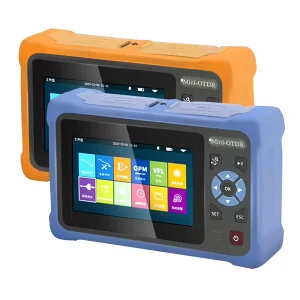
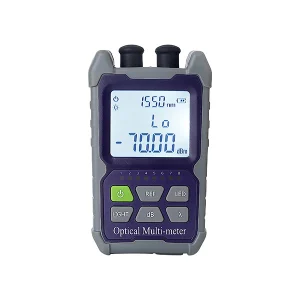
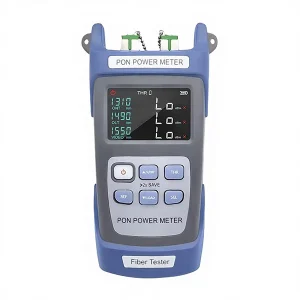
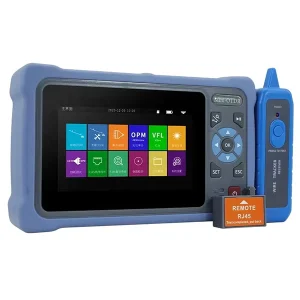
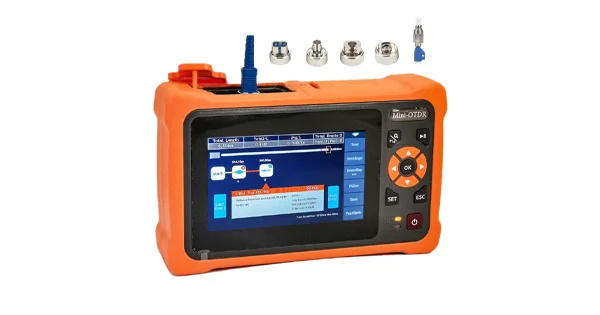
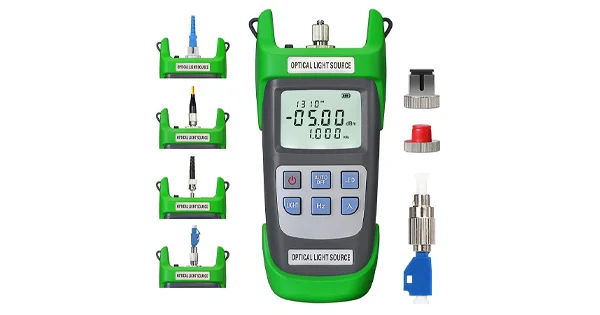
PON’s shared, splitter-based design calls for the right test tools — PON power meters that recognize the different upstream and downstream wavelengths, OTDRs capable of testing through splitters, and inspection tools to keep connectors clean. Aevumix supplies optical communication test equipment for PON and other fiber networks, including power meters, PON testers, OTDRs, light sources, and inspection scopes. If you would like help choosing tools for building or maintaining a PON, contact our team.
FAQs
What Does PON Stand For?
PON stands for Passive Optical Network — a fiber access technology that serves many subscribers over a shared fiber using unpowered optical splitters, with no active equipment between the provider and the subscriber.
What Does the PON Light on My Router Mean?
The PON port/light is the fiber uplink to the provider’s network. A steady PON light usually means the link to the OLT is established; a flashing or red PON light often indicates the fiber connection is not registering, such as a fiber or provisioning problem.
What Is XGS-PON?
XGS-PON is a 10-gigabit symmetrical Passive Optical Network standard (X = 10, S = symmetrical), supporting up to 10 Gbps upstream and downstream. It uses different wavelengths from GPON, so both can coexist on the same fiber during upgrades.
What Is the Difference Between GPON and XGS-PON?
GPON offers about 2.4 Gbps down and 1.2 Gbps up and is the mainstream residential standard. XGS-PON offers 10 Gbps symmetrical, suiting high-bandwidth and future-proof deployments. They use different wavelengths and can share an OLT and fiber.
Why Is It Called “Passive”?
Because the distribution network between the provider and subscriber uses unpowered optical splitters that replicate the signal by optical means alone. Power is still needed at the OLT and at the subscriber’s ONU, but not in between.